

In the marketing world, it’s always “the year of video,” but it should be “if you don’t have video now, you shouldn’t be in business.”
In this guide, I review and compare the online video editors and software to use this year. My goal is to help you make an informed decision that best suits your editing skills, the features you need, and the computer you own.
BEST VIDEO EDITING SOFTWARE IN 2020
When choosing the best video editing software, you need to consider many things. For example, consider the computer you’re using, file transfers (inputs), editing features like filters, transitions, video, and audio settings, and video file rendering (outputs).
Here are my picks for the best video editing software:
1. Adobe Premiere Pro CC
BEST VIDEO EDITING SOFTWARE FOR WINDOWS
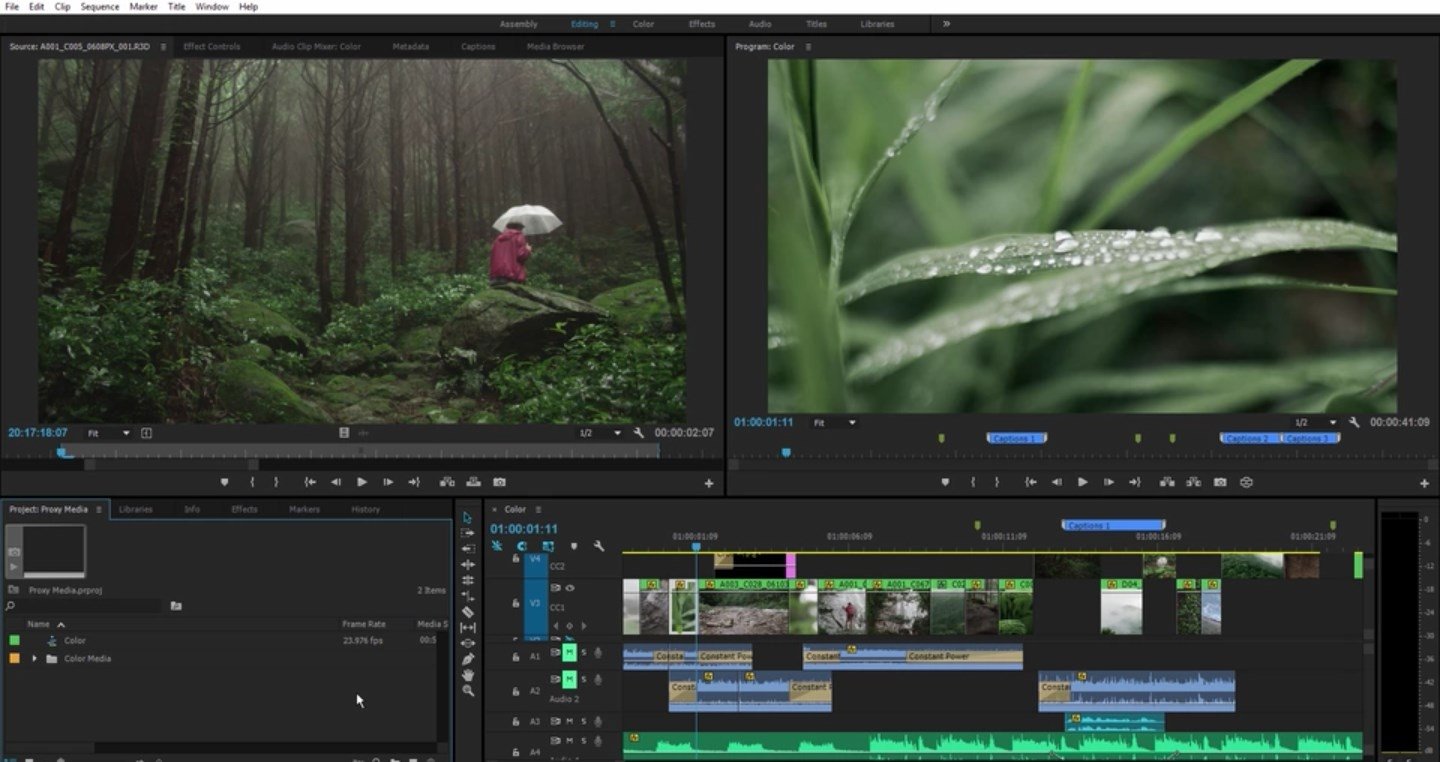
Adobe Premiere Pro CC is a leading video editing software. It has well-integrated workflows so you can edit your video without exiting your timelines.
This software is time-efficient thanks to the Adobe Sensei technology, which gives you an array of automated tools.
This software is compatible with other top Adobe CC products like Adobe Stock, Audition, and After Effects.
Therefore, you can easily download a motion graphics template from Adobe Stock or After Effects seamlessly without needing to leave Premiere Pro’s interface.
Ultimately, Premiere Pro gives you the complete package you would need to create a professional video. As a beginner, you’ll enjoy their streamlined interface, especially its drag and drop tools, and dedicated companion mobile app.
Premiere Pro is my #1 choice in this category because of its powerful features and free trial offer.
Get started with Adobe Premiere Pro today.
2. Final Cut Pro X
BEST VIDEO EDITING SOFTWARE FOR MAC
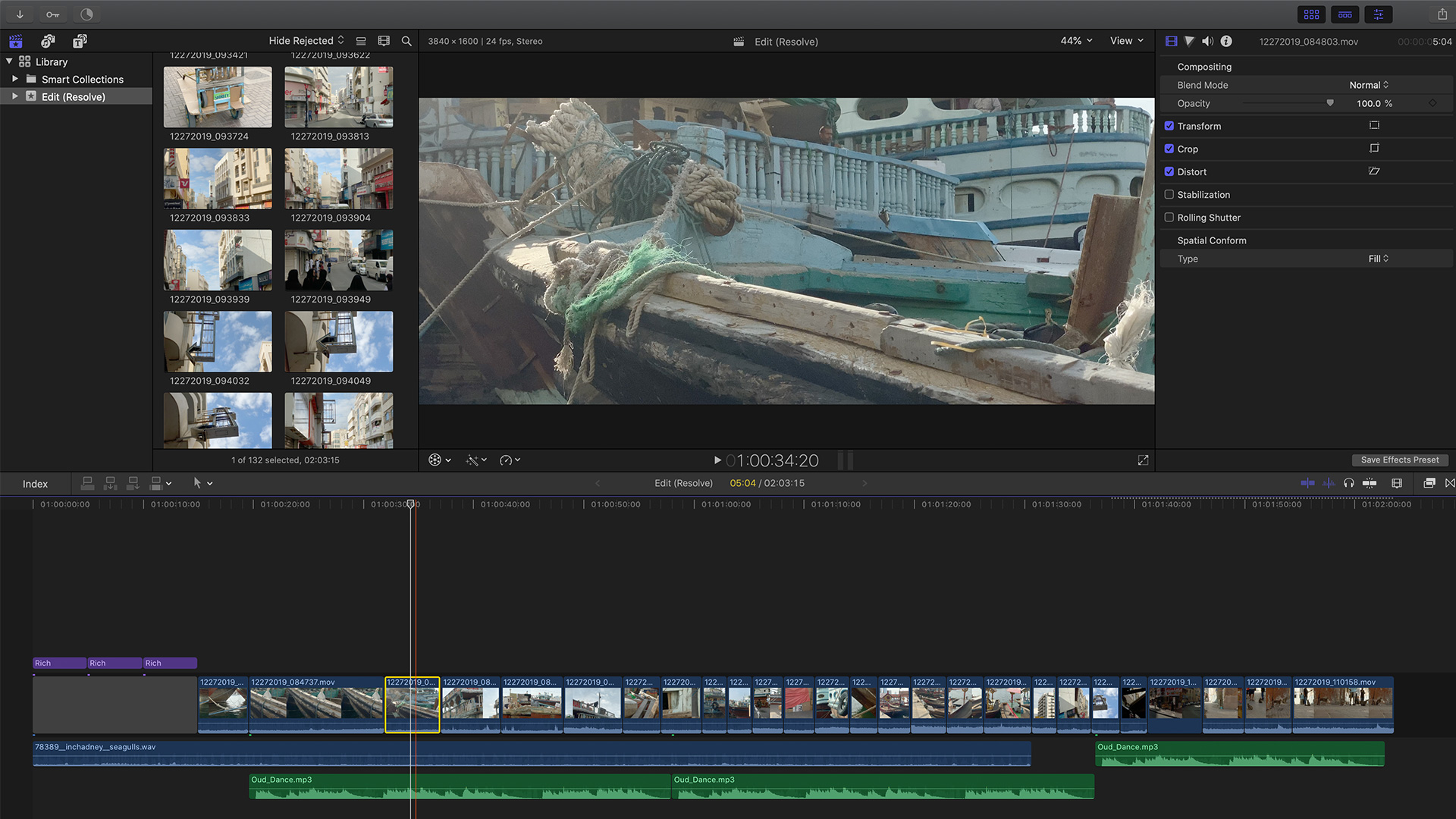
Apple’s popular Final Cut Pro X is a prosumer video editing package that perfectly blends professional video features with a smooth learning curve for consumers.
With over 2 million users and a steeply reduced price from the original $999 to $99 on Amazon, it’s more popular than ever.
Final Cut Pro X has native support for MacBook Pro Touch Bar Editing, allowing you to use touch controls for things like timeline scrubbing and text customization.
Text editing is fun, too, with its 3D capabilities. There are different 3D templates, textures like plastic and concrete, and lighting effects that you can add from xy angle on the screen.
For Mac users who care about power, advanced features, ease of use and speed, Final Cut Pro X is the #1 choice.
3. Adobe Premiere Elements 2020
BEST VIDEO EDITING SOFTWARE FOR BEGINNERS
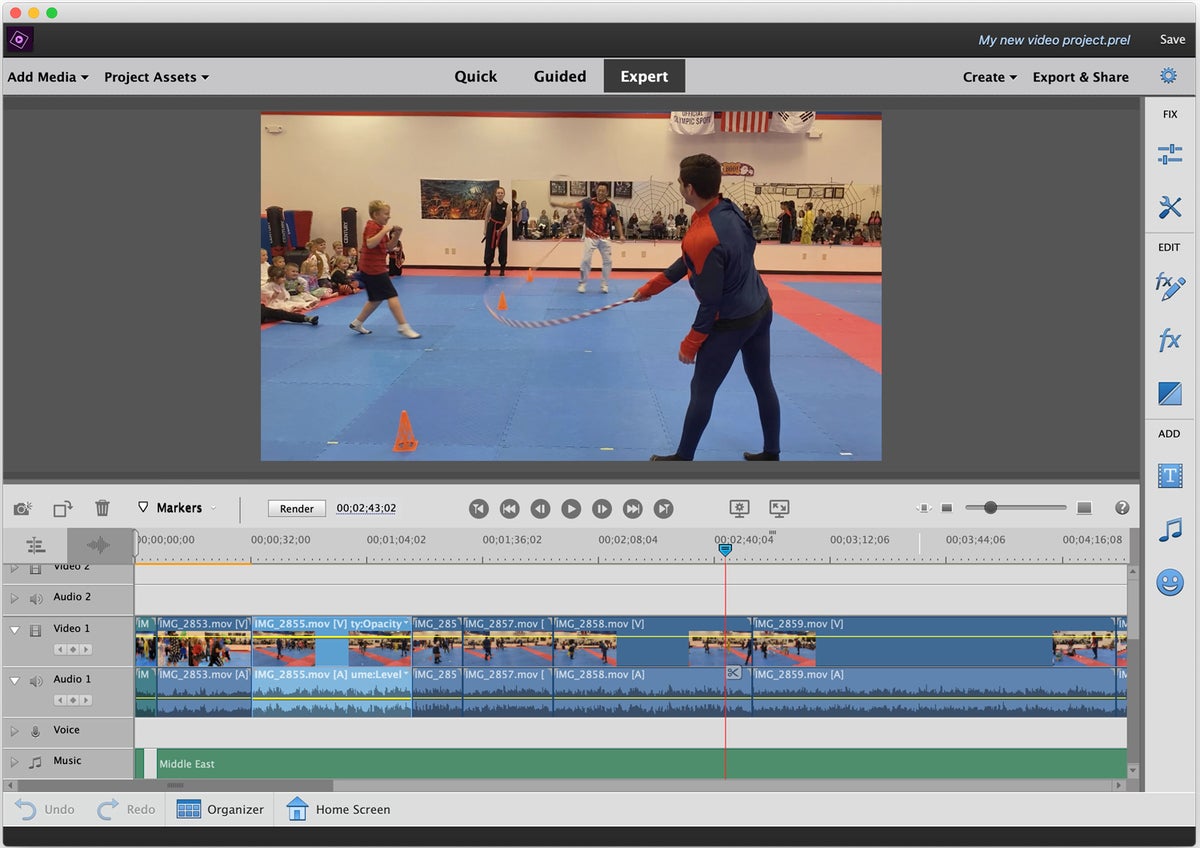
Based on versatility, Adobe Premiere Elements 2020 is one of the best video editing tools for beginners.
There are three modes to create your video: Quick, Guided, and Expert.
With quick mode, you can select your preferred media for your video, and the program arranges it for you on the timeline. It automates aspects of your video like automatic motion tracking, video stabilization (excellent for GoPro), and smart toning.
Guided mode is more assisted as the name suggests. The software educates you on its features and functionalities, and you learn every component of the interface and how it works as you go.
Finally, Expert mode is more for more experienced users, and you control everything yourself. While Adobe Premiere Elements 2020 isn’t as advanced as other tools on this list (and isn’t the fastest either), it’s a great entry-level app. It only costs $69.99, and they also have a free trial available.
Overall, it’s a great all-around tool that’s available for both Mac and Windows 10 PCs.
GET ADOBE PREMIERE ELEMENTS 2020
4. Apple iMovie
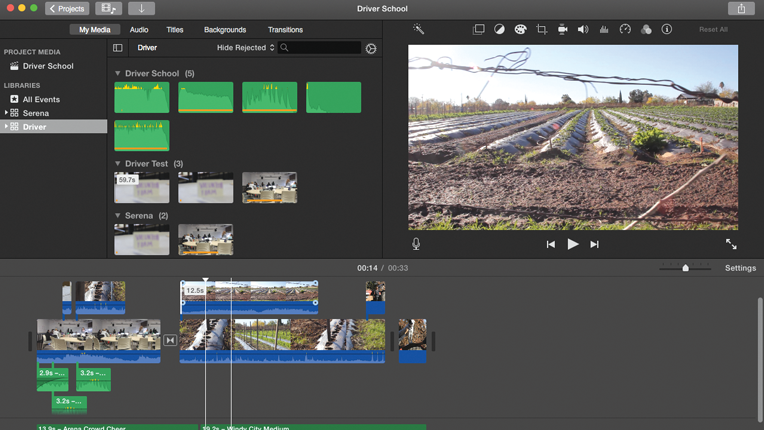
If you are a Mac user, Apple iMovie is a classic free video editor to use. It’s a user-friendly tool for basic video editing with support for 4k resolutions with a wide range of features.
iMovie has a crisp performance on modern Macs and works well with both the Macbook Air and Macbook Pro.
Recent updates include touch bar support and 4k video functionality. You can also process video clips at speeds as high as 60 frames per second.
Apple compatibility is also a strong selling point. You can easily import video clips, audio, and photos from iCloud. Plus, you can create slideshows and view your projects right on your Apple TV.
CONCLUSION
To recap, if you’re looking for the best overall video editor, I recommend Adobe Premiere Pro CC.
For Mac users, go with Final Cut Pro X.
If you’re a beginner and want a cheap option that still has a lot of features, you should choose Adobe Premiere Elements 2020.
Finally, if you want to use the best free video editing software for Mac, you can download iMovie.